
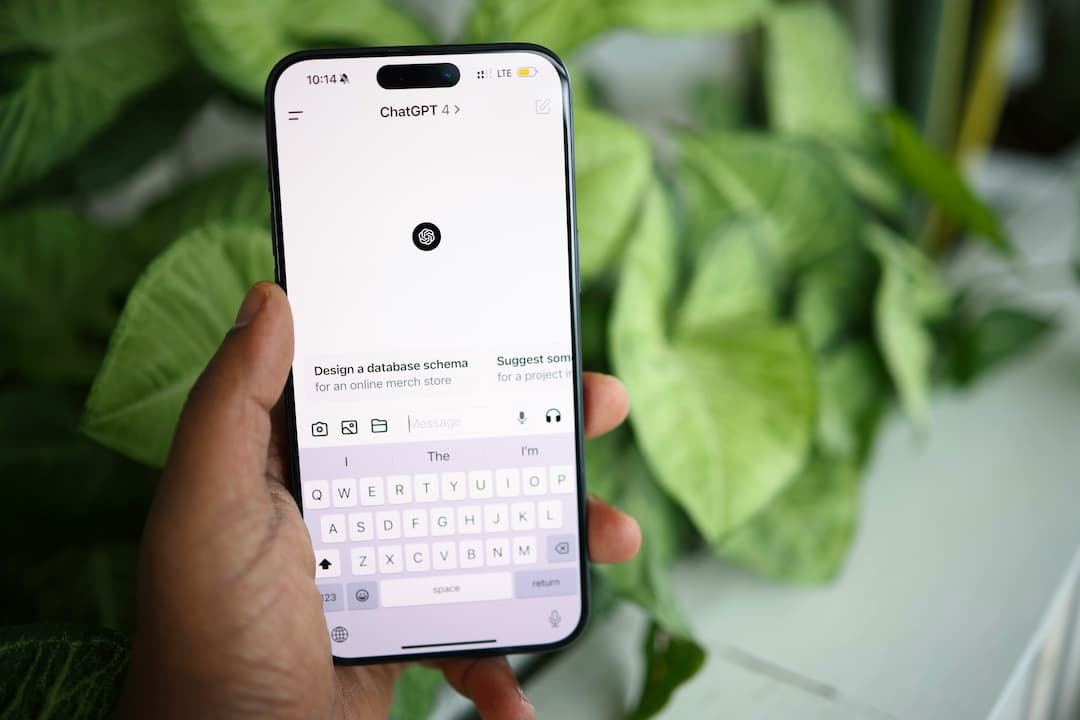
The use of AI chatbots is becoming more and more widespread with each passing day, whether it’s for personal or professional use. And of course, these services do have their uses. But they’re a privacy nightmare, especially if you aren’t taking steps to protect yourself.
Keep reading to find out how to use AI chatbots while maintaining your privacy.
How to Protect Your Privacy While Using AI Chatbots
These tactics, tips, and tools will help you stay private (or at least try to) when using AI services like ChatGPT, Google Gemini, or Claude.
Use a VPN
As with pretty much everything you do online, a VPN (virtual private network) can drastically improve your privacy while interacting with AI.
There are two reasons why:
- It hides your real IP address and location, creating another layer between your real identity and your chats.
- It protects your data and chats from potential third parties, like your internet service provider.
Use More Privacy-Focused Chatbots
One of the first steps to private AI chatbot use is choosing services that have some level of respect for your privacy.
At the top of the list would be services like HuggingChat, Duck.AI, or Brave’s Leo AI. You can also utilize a tool like Hoody AI to access other commercial AI services without logging in or connecting to them directly.
On the bottom of the list would be services like (Google) Gemini and Meta, which have a track record of being reckless with user data.
ChatGPT would be somewhere “in the middle”. It doesn’t seem to be quite as bad with user data as a company like Meta, but it’s still not to be trusted… and can be difficult to use without giving personal information.
The one “catch” to choosing chatbots based on privacy concerns is that ChatGPT, Gemini, etc. tend to be more powerful and develop faster than, say, Duck.ai.
Don’t Log In / Use Fake Login Details
Ideally, you shouldn’t log in at all when using an AI chatbot. However, this isn’t always possible to avoid. In that case, use a “throwaway” private email address during signup. And don’t use your real details.
If the chatbot requires a phone number, like ChatGPT often does, this can get a little trickier. You can try using a temporary phone number, but this isn’t guaranteed to work. If that’s the case, you’d need to either:
- Use a different chatbot (see above)
- Get a new phone number that you can use with the service
- Use your actual phone number… but be very careful about what you input into the chatbot (least private)
Note: You should also connect to a VPN when creating your account to avoid having it tied to your IP address.
Use Strong Passwords
It’s pretty much Online Privacy 101, but it’s still worth mentioning in case you haven’t already gotten the memo: you should always use strong passwords to secure your AI accounts. In other words, no ‘111111’ or ‘himom’ passwords, you silly goose. These are easy to crack or guess, which could leave your account (and data/chats) vulnerable.
If you need tips on creating a password, check out our article on How to Use Passwords.
Turn Off Data-Sharing
You’d be better off not using AI apps on your phone, especially if you have an Android device (which is inherently less private that iOS, because of its Google architecture). But if you insist, make sure to turn off data sharing for your AI apps.
By this, we mean not allowing the app to have “permissions” to access data it doesn’t actually need and that you don’t want to disclose. This can be accomplished in the settings of your mobile operating system (Android, iOS).
Opt Out of Training
Language learning models (LLMs) are trained on data, crazy amounts of data. This includes practically everything posted or uploaded online, but in many cases, it’s your chats too. ChatGPT, Google Gemini, and other AI services aren’t shy about using user input to help train their models.
However, it is usually possible to “opt out” of this training via your account. Exceptions are services like Claude, which are opt-in only, or Meta, which does not allow users to opt out at all.
Delete Chats / Use Temporary Chats
Your chats themselves are one of the biggest privacy vulnerabilities. That’s because not only does the AI provider have access to them, they could potentially be accessed by a third party who manages to compromise your account.
So, the best option is to prevent your chats from being saved in the first place, via temporary chats. If that’s not an option, make sure to delete your chats regularly, ideally after every session. Just keep in mind that some services, like ChatGPT, may take up to 30 days to completely delete your chats from their servers.
And to be honest, you can never truly trust a company to fully delete your data, even when they say they’re going to.
Don’t Input Real or Private Data
This may be further down the list, but it’s actually one of the most important tips that you can follow. Do not input personal or private information about yourself, your friends or family, your business, etc. into your chats.
This includes obvious things, like your name, date of birth, social security number, or what have you, but it also applies to health conditions, the general area that you live, and more.
Why? Because this input may be stored, used for training, and even reviewed by real people. Hackers can even pull it up later, without even having access to your account!
And even if your info isn’t used against you directly, it can help create a personal profile on you, connecting everything you write in the chat to your real identity and personality, then utilizing it to track you, sell you things... and potentially even worse.
Use a Local Model (LLM)
Now, if you're quite tech savvy and have a powerful PC, there is an option that completely bypasses most AI privacy issues. And that’s hosting the LLM on your own, private machine.
Unfortunately, given the processing requirements and setup, this won’t apply to most AI users, so we won’t go into depth on this option here. But for more info (and for an LLM that is less demanding), you can check out communities like Reddit’s r/LocalLLaMA.
Private AI: Wrap-Up
So, we’ve given you a whole host of ways to protect yourself when using AI chatbots. That being said, if you’re using a commercial AI online, you should never consider anything you do completely private, which is why it’s so important to be very careful about what you share with the chatbot.
What’s your take on privacy when using AI? Let us know in the comments!