

Which VPN browser is the best?
Does your current browser come with a built-in VPN? If not, these VPN browser (and browser extensions) picks have you covered.
Keep reading for our picks for the best browsers with built-in VPNs.
VPN Browsers
Best VPN Browsers
Here are our picks for the best browsers with built-in virtual private networks.
1. Brave

Probably your best choice: Brave VPN browser
If you’re concerned about your privacy, then Brave is an excellent choice. Not only does it come with a VPN, but it also has Tor integration, along with a host of other privacy and security features, like built-in ad blocking.
And since it’s Chromium based, you can use it with most Chrome-based extensions. It’s already one of our favorite browsers, the VPN is just the icing on the cake.
Check out our full Brave review if you want to know more.
2. Opera

Yes, Opera is still around 🙂
While Opera may not have the market share of Chrome or Firefox, it’s still a popular browser in its own right. It even comes with a built-in VPN – and it’s free!
So, while we consider Brave a superior browser overall, especially as far as privacy is concerned, if you’re just looking for a free VPN browser, Opera is definitely worth a shot.
3. Aloha
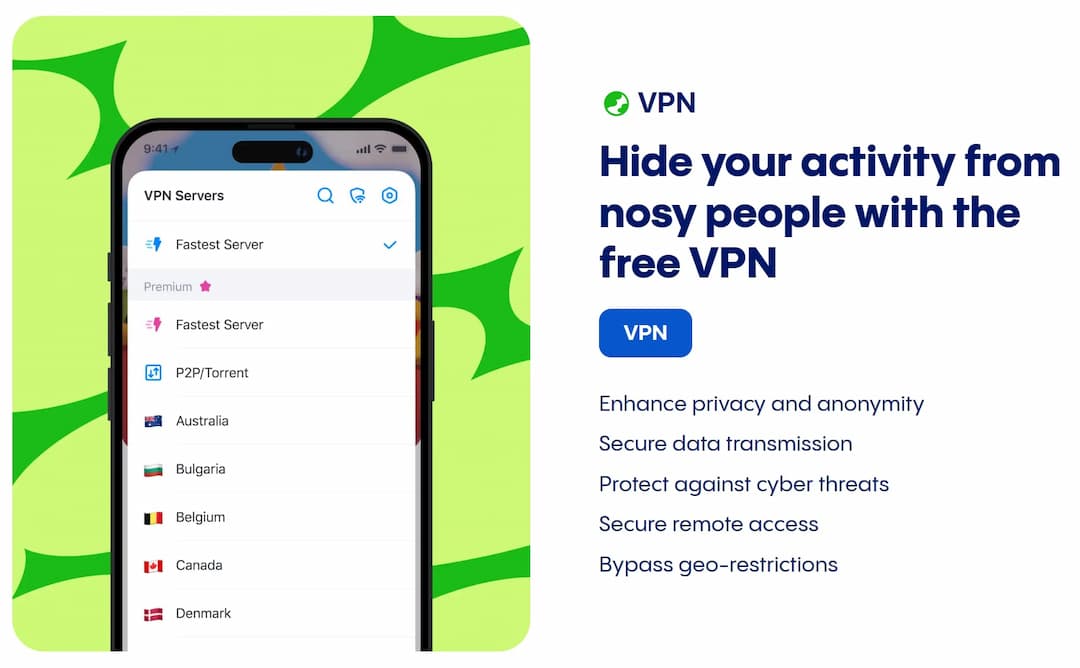
Is Aloha browser VPN any good?
Aloha doesn’t have the privacy track record of Brave or the name recognition of Opera, but it is worth mentioning, especially since it’s a Chromium-based browser with both free and paid VPN options.
Just don’t expect any top-notch security features or native ad-blocking.
Warning: A Word on Free VPNs
Free VPNs, by and large, are not trustworthy. In fact, they may even gather or sell your data. And they’re often much slower than paid VPN services.
We mention them because many people can’t resist, but you’ve been warned: don’t do anything sensitive with them.
If you'd like more security and piece of mind, you can find our picks for the Best VPNs here.
VPNs with Browser Extensions
While the number of browsers with built-in VPNs is rather limited, many of the best VPN services offer browser extensions for the most popular browsers, including Firefox and Chrome (and other Chromium-based browsers).
Note: Using a browser-based VPN doesn't offer full protection for your device — only your browser traffic.
1. PureVPN
PureVPN is one of the top VPNs on the market, and their extensions seamlessly integrate with your favorite web browser.
Download PureVPN Browser Extension: Chrome | Firefox
For more info, see our full PureVPN review.
2. ProtonVPN
If you prefer a free VPN browser extension, ProtonVPN is definitely worth a try.
Download ProtonVPN Browser Extension: Chrome | Firefox
For more info, see our full ProtonVPN review.
3. NordVPN
NordVPN is another VPN service that comes highly recommended, with extensions available for several popular web browsers.
Download NordVPN Browser Extension: Chrome | Firefox
For more info, see our full NordVPN review.
Normal VPN vs. VPN Browser
The short answer? A normal VPN is much better than a VPN built into a browser. It’s more useful, more versatile, and more secure.
For instance, it can route all of your internet traffic through the VPN, not just your browser traffic, allowing you to secure other software and apps on your computer.
That being said, there are reasons to use a VPN via a browser or browser extension.
Why Use a VPN Browser?
Here are a few situations where a built-in browser VPN might make sense:
- Can’t install a full VPN (e.g., shared device)
- Can’t access VPN sites on your network/location
- Only want to filter browser traffic through VPN
- And more...
So, yes, ultimately, a full-featured VPN will be better than a VPN built into your browser, but there are cases where a VPN browser can come in handy.
VPN Browser: Wrap-Up
Now you’ve got a variety of VPN browsers and VPN browser extensions to choose from, from Brave to PureVPN. So, whether you’re a Chrome, Firefox, or Opera fan, want the best privacy or just to spend the least amount of money, there’s something here for you.
Which VPN browser do you prefer? Tell us your favorite in the comments.